
Understanding neoFlo
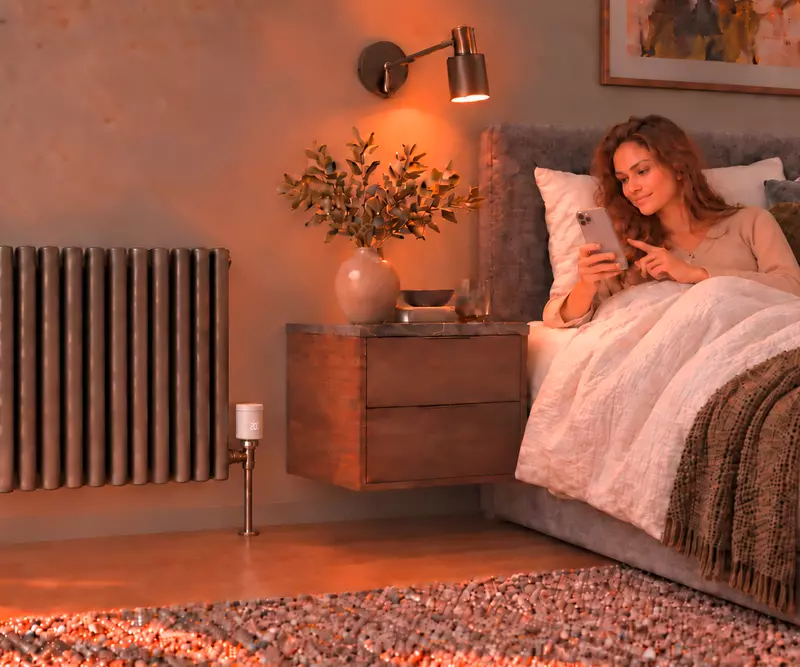
What does neoFlo add?
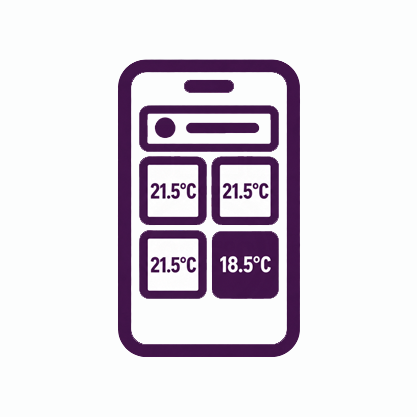
Control each room individually
Keep the living room comfortable and set a cooler temperature for the spare room.
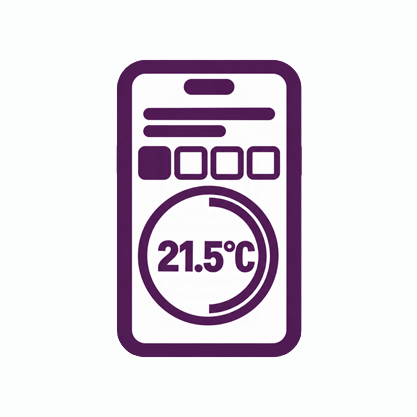
Schedule rooms around your routine
Use lower settings while a room is empty, then schedule warmth for when you use it.
Extend an underfloor system
Bring radiator rooms alongside your existing neo underfloor heating controls in the same app.

Quiet in everyday use
neoFlo adjusts the radiator valve quietly to help maintain your chosen room temperature.

Battery powered
neoFlo uses four AA batteries, with up to six years between replacements depending on use.
How does neoFlo work with your heating?
neoFlo opens and closes the radiator valve to maintain the temperature you set. The radiator only warms up when your heating is running and sending warm water to it.
Adjusting the radiator and switching the heating on are separate jobs. Your existing heating controls can continue to supply heat, or an RF Switch can let radiator rooms call for it when needed.
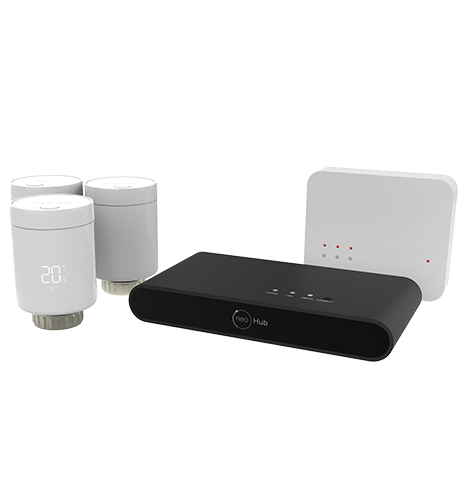
Connecting neoFlo
What do you need?
You may already have some of these components. Here is what each one does.
Add radiator control
neoFlo
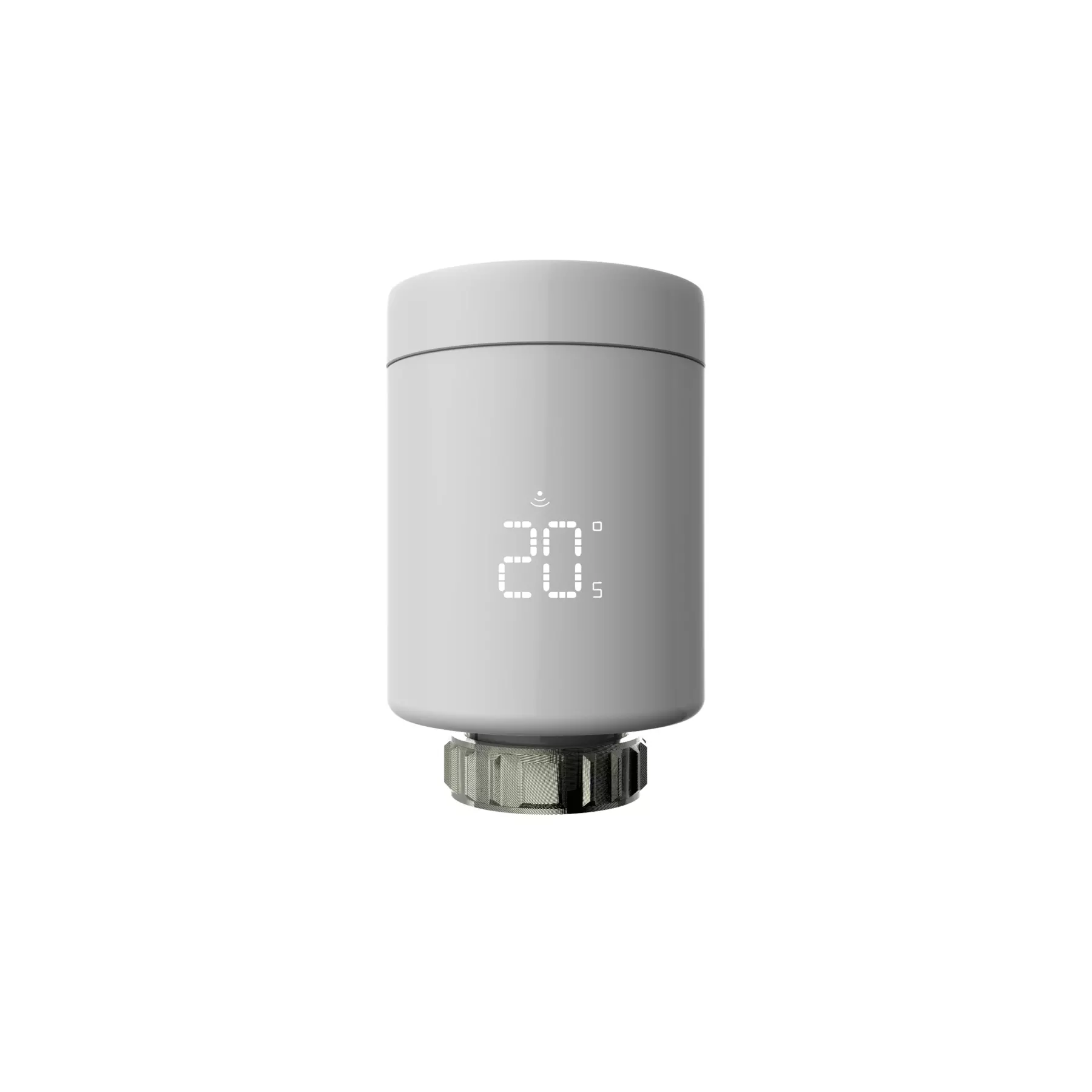
One for each radiator you want to control
Fits M30 × 1.5 thermostatic radiator valves. A Danfoss RA adaptor is included.
For other valve types, see the installation guide for adaptor and fitting details.
Check your hub
neoHub G3
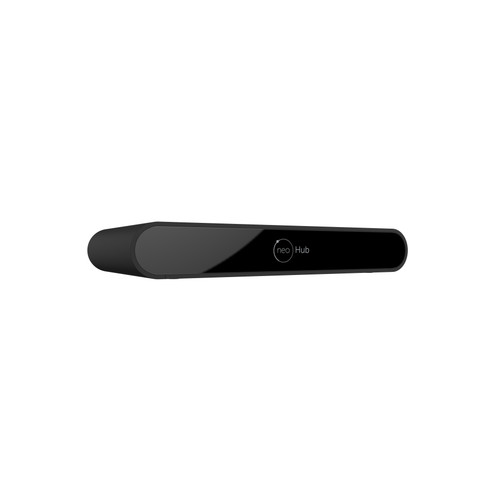
Required for app control
Open My Properties in neoApp. The hub model appears beneath your property name. If it says neoHub G3, you already have the hub you need.
neoHub Gen 1 and Gen 2 need upgrading to G3 for neoFlo app control.
Check your heat connection
RF Switch
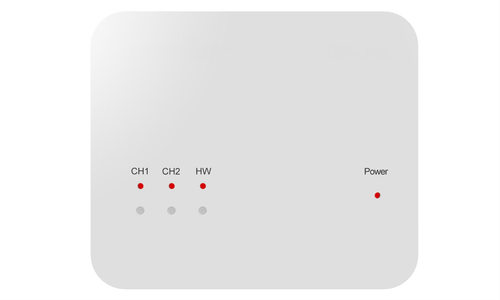
For rooms that need to call for heat
Not needed if your existing controls already supply heat when these rooms need it. Otherwise, it connects room demand to your boiler or heating zone.
A qualified installer must make the connection and can assess an RF Switch you already have.
See how the components connect
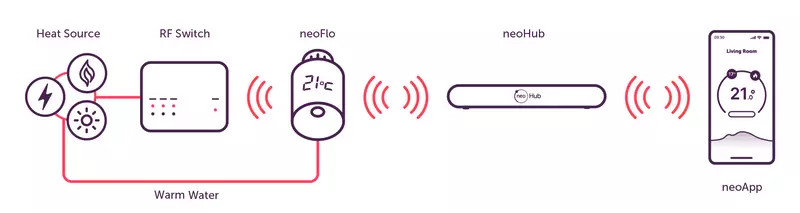
Your heating system supplies warm water. neoFlo opens and closes each radiator valve to maintain the temperature you set. If a room also needs to call for heat, neoFlo can signal to an RF Switch wired to the heating system. Separately, neoFlo pairs with neoHub G3, which connects to your router and brings temperature control and scheduling into neoApp.
.webp)
Replacing the thermostat head
Allow around 15 minutes per radiator.
On a compatible valve, replacing the head needs no draining or wiring.
Estimated time varies by valve and adaptor.
Replacing an unsuitable valve is a separate plumbing job.
See neoFlo prices and options
Explore individual thermostats and packs.
The installation guide covers fitting, valve adaptors and setup in full.
Read the neoFlo installation guide